Export Panel for 3D Views, Charts and Tables
The export panel, located on the right-hand side of 3D Views, charts and tables, enables you to generate images, files, and videos with just a few clicks.
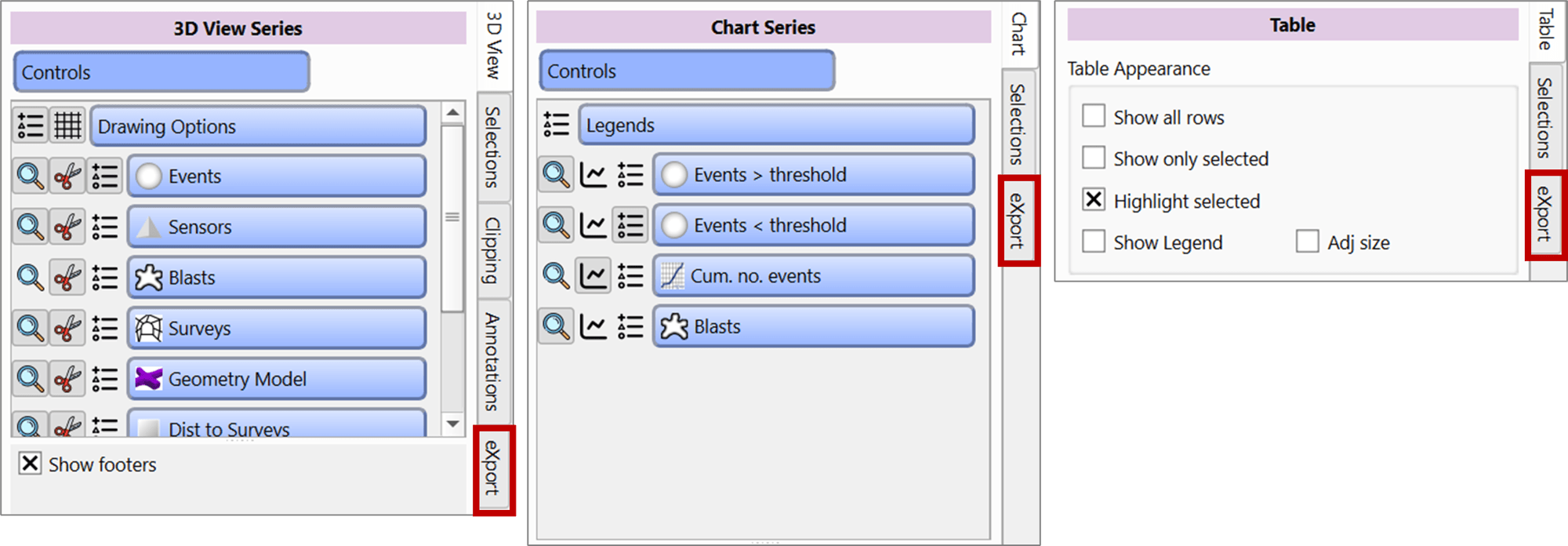
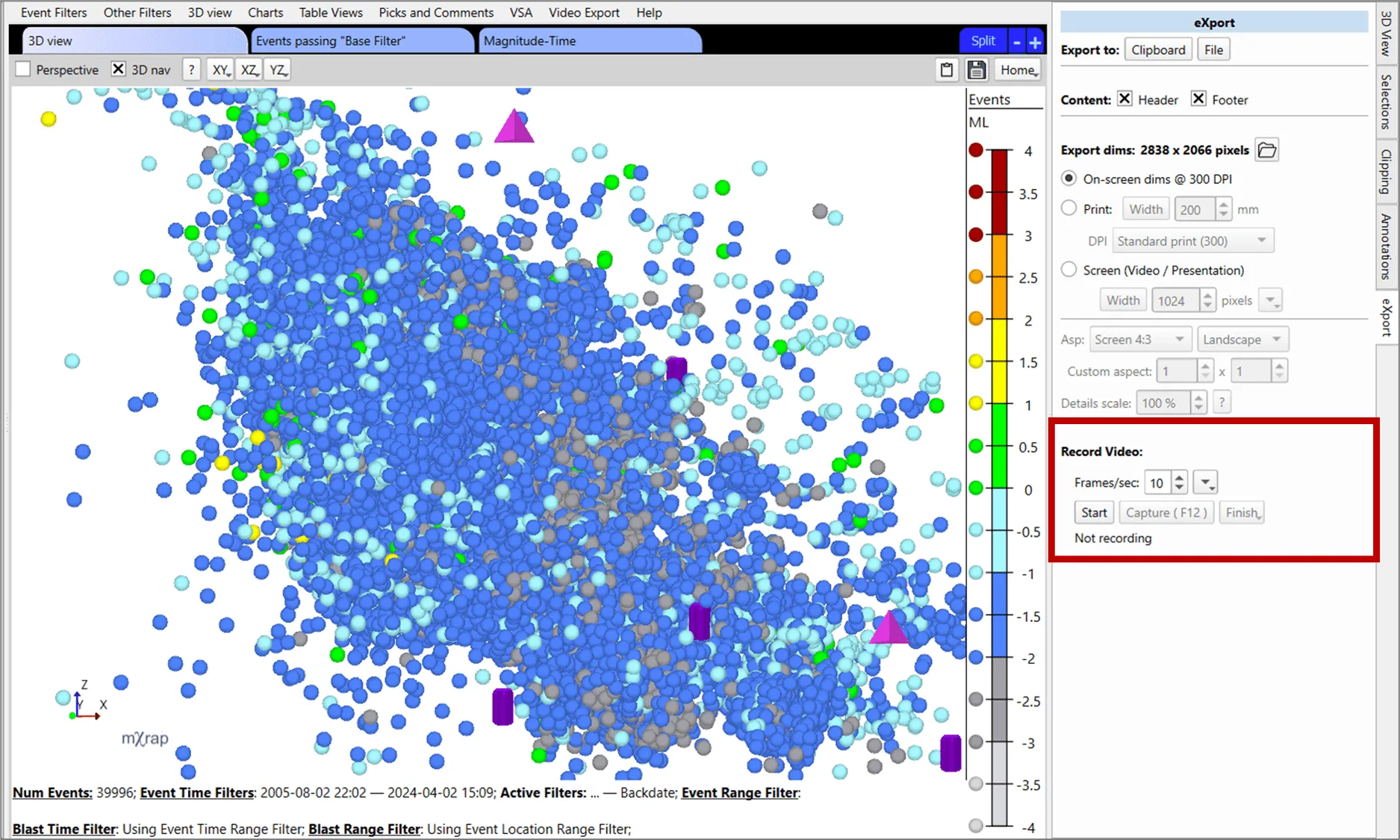
You can export any 3D view, chart or table view as a JPEG or PNG image. You can also export tables in CSV format, or stitch multiple images together to create a video. The eXport panel controls the dimensions and format of these exports.
Export Options
Data Export
Export tables to the clipboard or save as a file for external use.
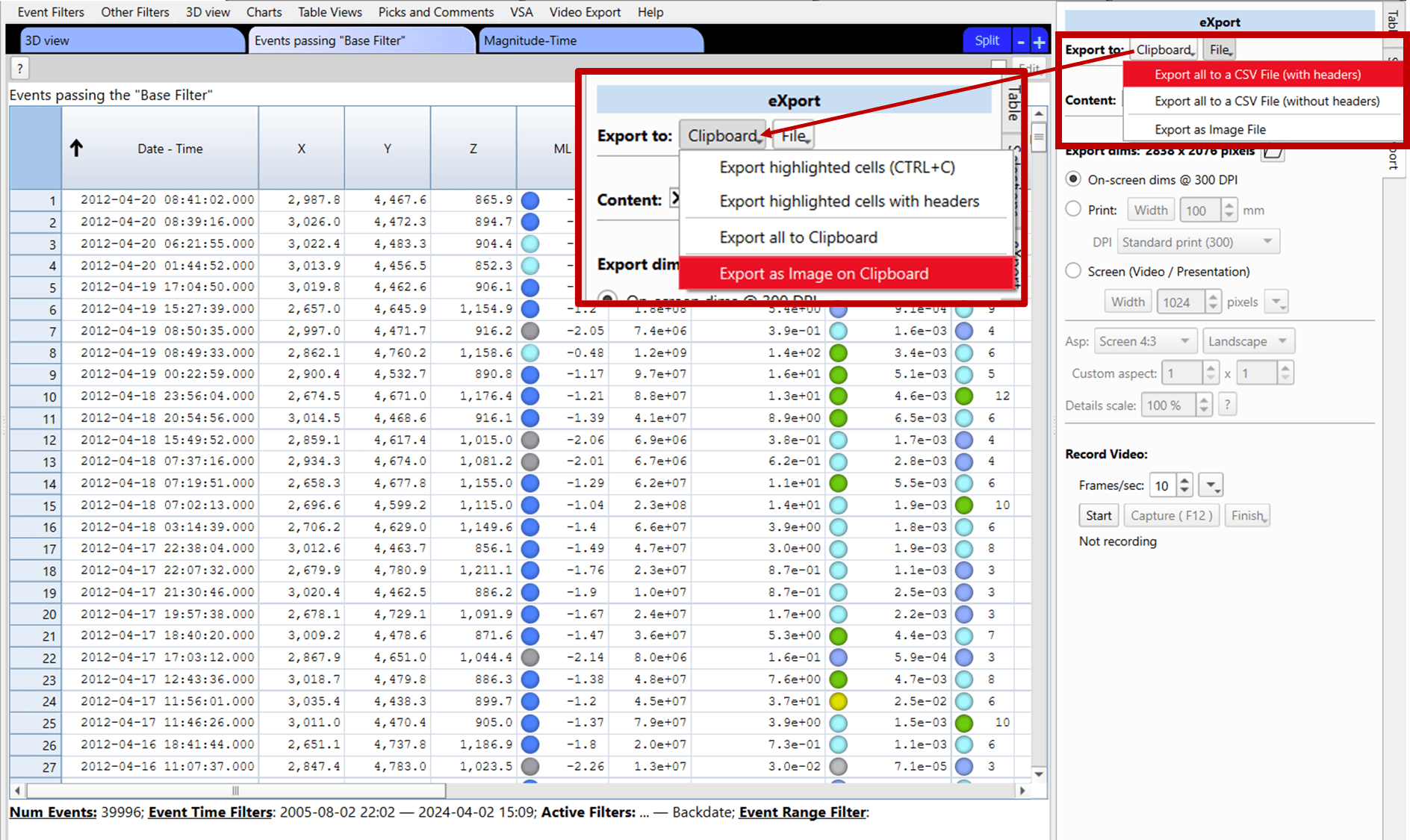
Chart Customisation
Configure chart appearance using the 'Content:' options to toggle which components are displayed:
- Header and footer
- Axis titles
- Axis ticks
- Grid lines
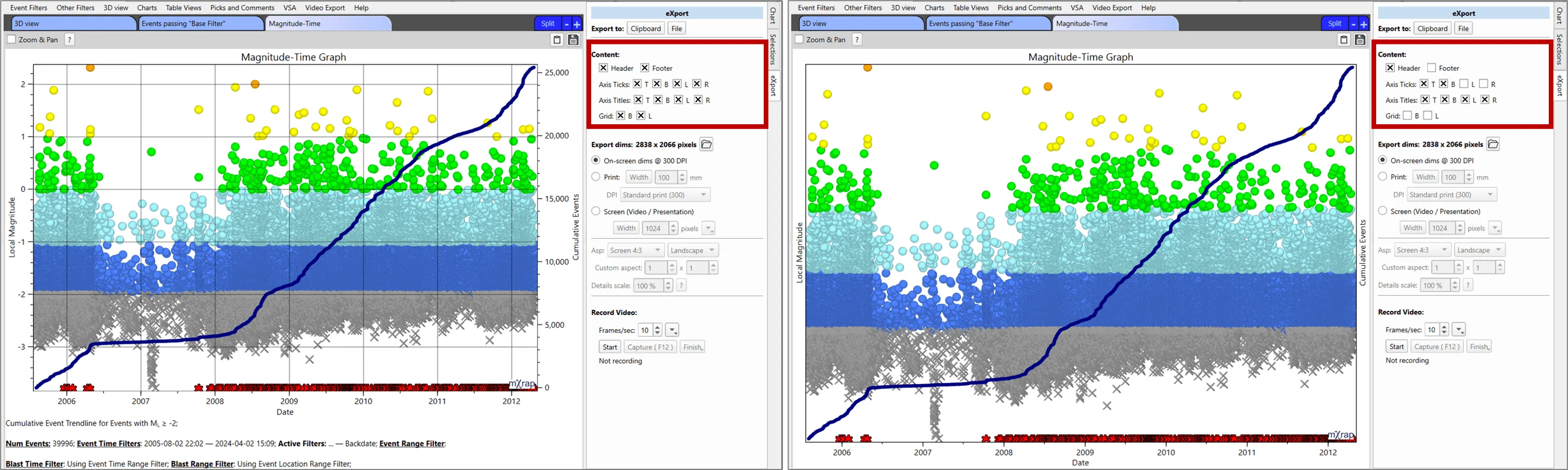
Image Generation
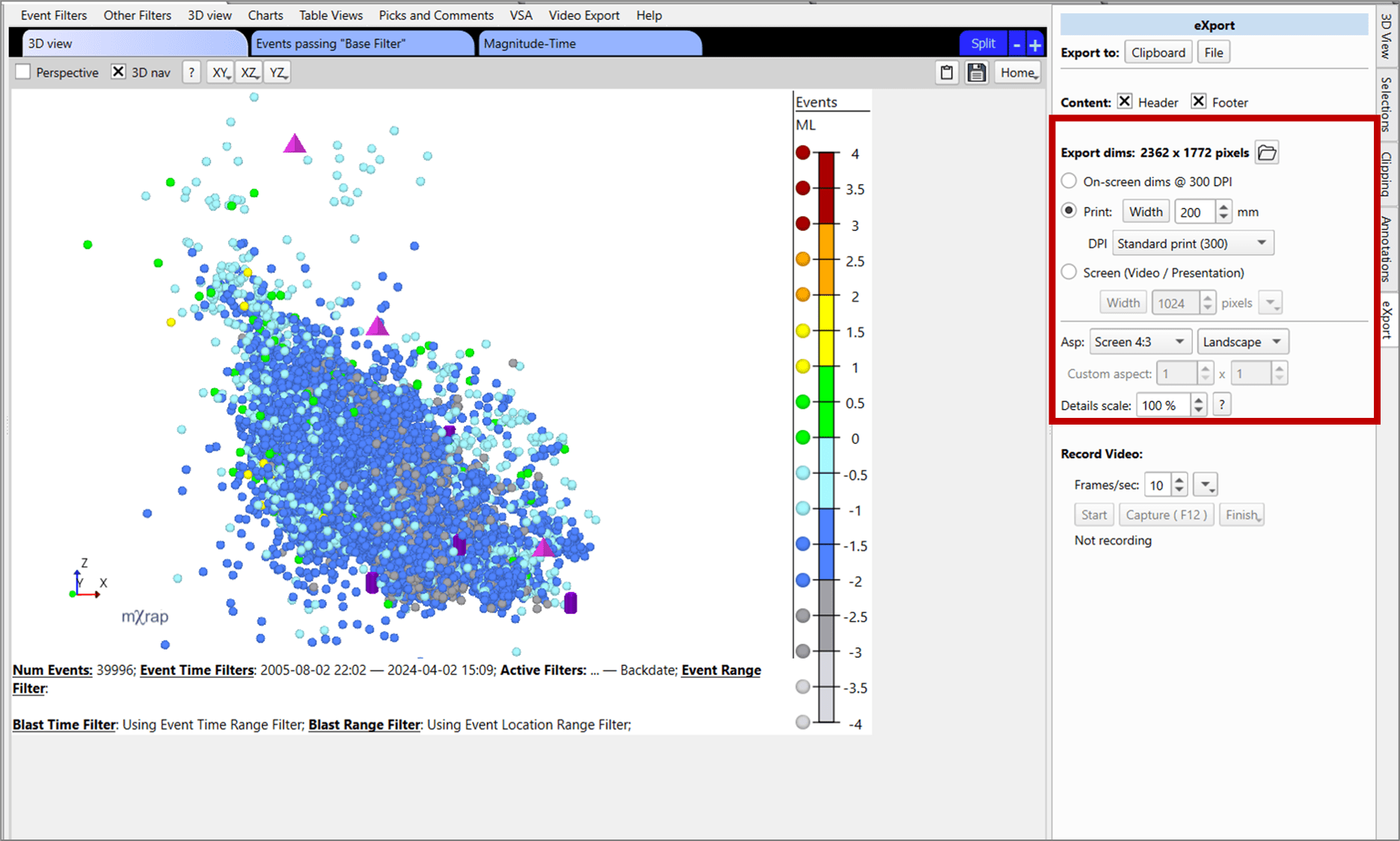
This feature is particularly valuable for preparing presentations and academic papers that require figures with specific dimensions or font sizes. Use the 'Export dims:' controls to create high-quality images with precise sizing:
Video Creation
Generate custom videos showcasing your data, analysis workflows, and results.
Example Output: