Custom app development
Advanced
The final training level is for advanced users who are ready to start building apps for specific purposes unique to their own needs. This training material includes detailed instructions to creating two example apps, from start to finish.
Rock Properties
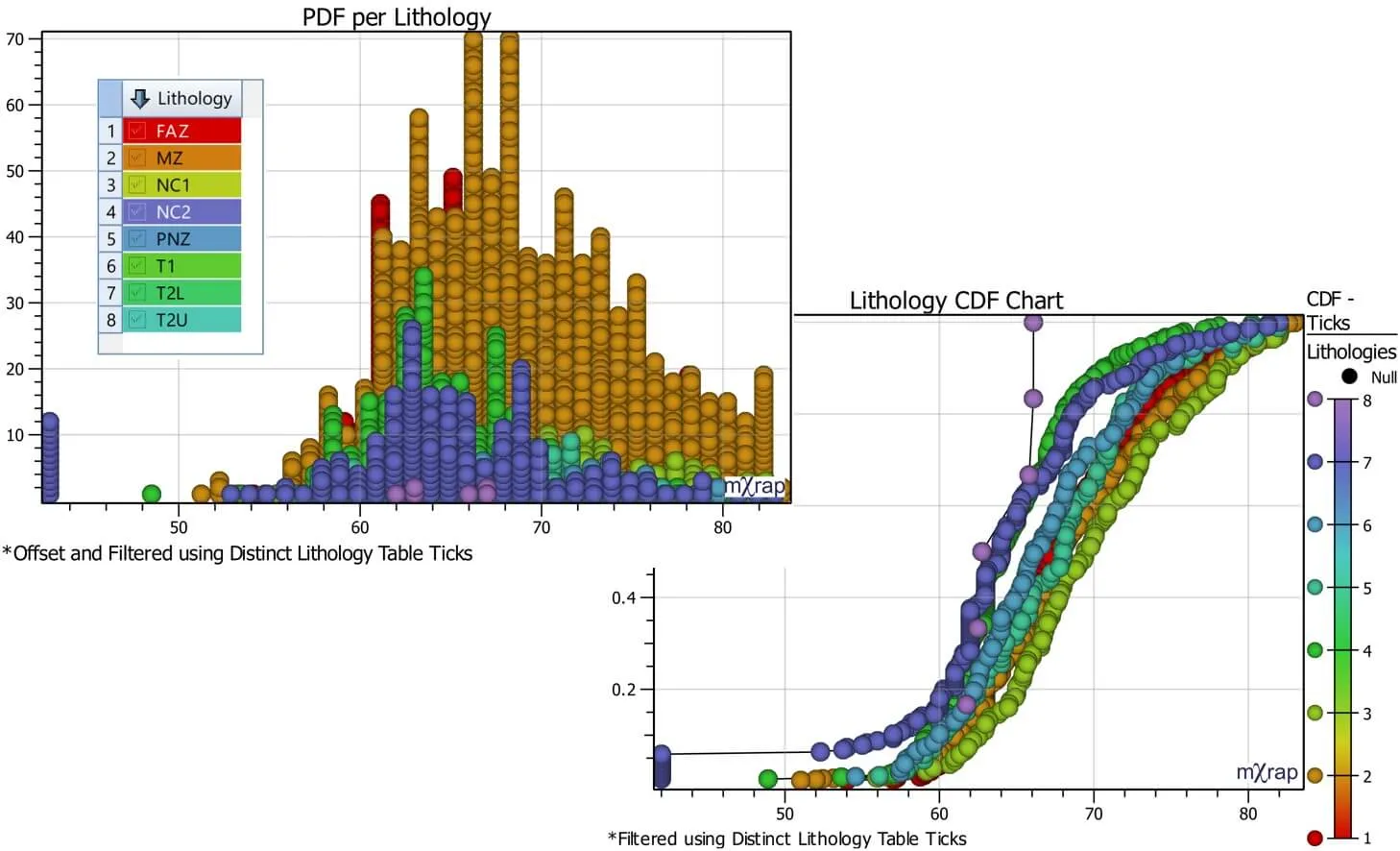
This walkthrough will be looking at an imported excel database (in the form of a .csv file) which contains values for Rock Mass Ratings (RMR) related to various geological lithologies. Once imported into mXrap, this database will then be manipulated using various tools in the Settings and Analysis window. You will make charts to investigate the rock mass character of different lithologies. You will get an introduction to:
- Import CSV tool
- Variables
- Tick Tables
- Accumulations
- Distinct Tables
- Row Calculations
- Table Maps
- App and Window Interface Tools
This application will enable the user to view CDF and PDF charts of RMR values for various lithologies. It will also illustrate how to build the front end for the app.
Map3D Tutorial
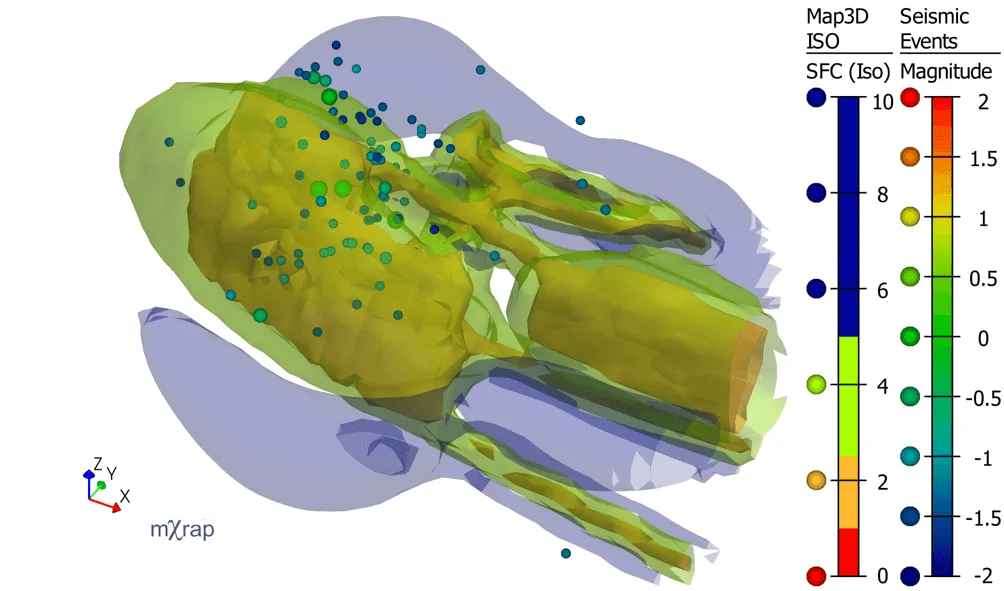
The second tutorial is a little more advanced than the first. It will show you how to import data from Map3D and link mining steps with your event filter. Additional tools are introduced beyond the first tutorial including:
- Survey generation
- Aliases
- Table Calculations
- Range and Composite Filters
- 3D isosurfaces