3D View
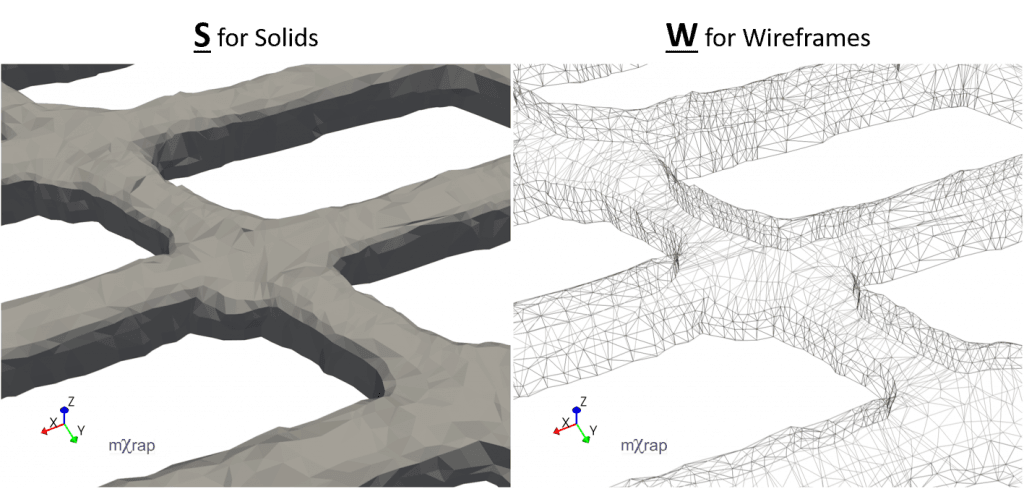
Display Modes: Solid Surface and Wireframe
Transform your 3D visualisation experience by switching between display modes for any 3D survey or surface:
Keyboard Shortcuts
- Press
Wto switch to wireframe mode - Press
Sto switch back to solid mode
tip
Find all mXrap shortcuts in our Quick Reference Guide.
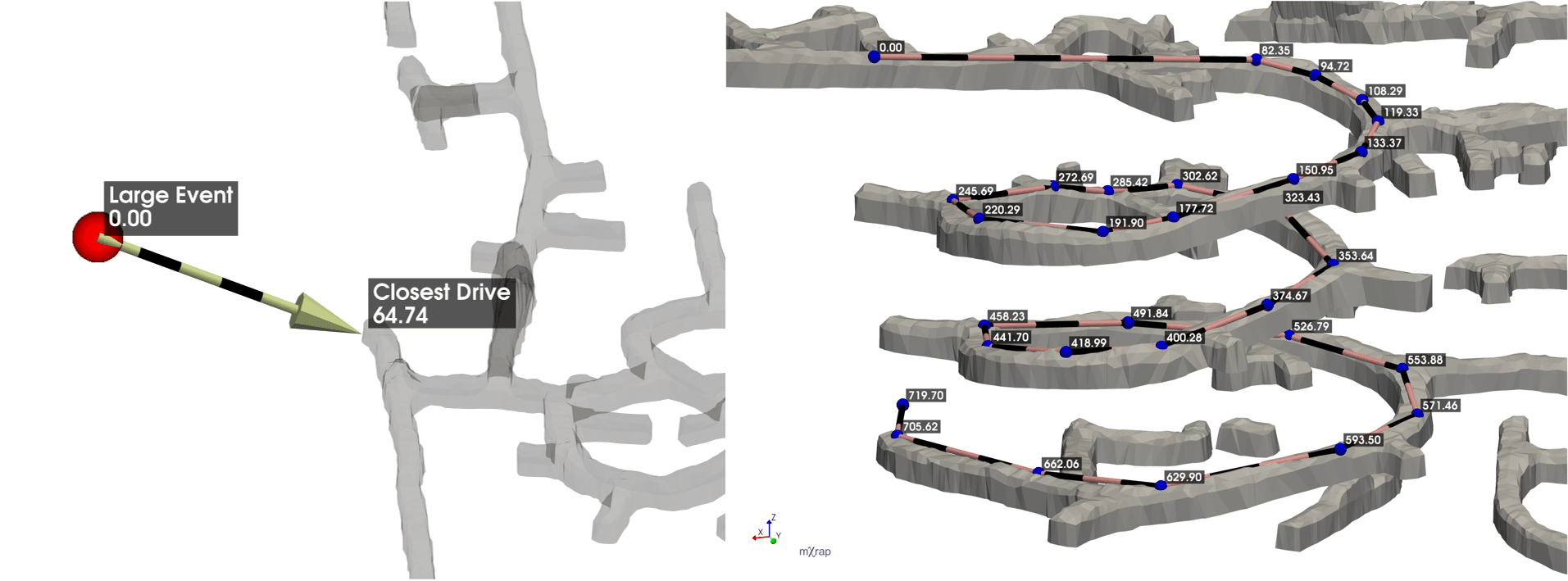
3D Distance Measuring Tool
Measure distances in any 3D View using the ruler tool located in the Annotations tab.
The annotations tool lets you draw arrows and lines in the 3D view. You can also use it to add labels and measure distances.
Common Use Cases
- Point-to-point distances (e.g., event-to-survey measurements)
- Multi-point path measurements for complex routes
Controls
The ruler tool uses controls similar to selection boxes. Instructions are located in the Annotations tab.
| Action | Control |
|---|---|
| Move/select point | Ctrl + Left-click |
| Rotate/cancel | Ctrl + Right-click |
| Insert point | Space |
| Delete point | Del |
Other features
- Snapping ruler to points or surfaces (crosshairs will turn from red to green when snapping)
- Point rounding for selecting points on a grid or post-rounding
- Custom labels for vertices and segments
- Table of point coordinates, segment lengths, horizontal and vertical runs, trend and plunge
- Optional arrow head
- Save and load rulers
- Flatten points to the focal plane (view plane)