3- Generate Models
Generate models from the previously built steps. Models are created by merging multiple steps of the same resolution in chronological order. The model building process automatically handles the complex interactions between excavations over time.
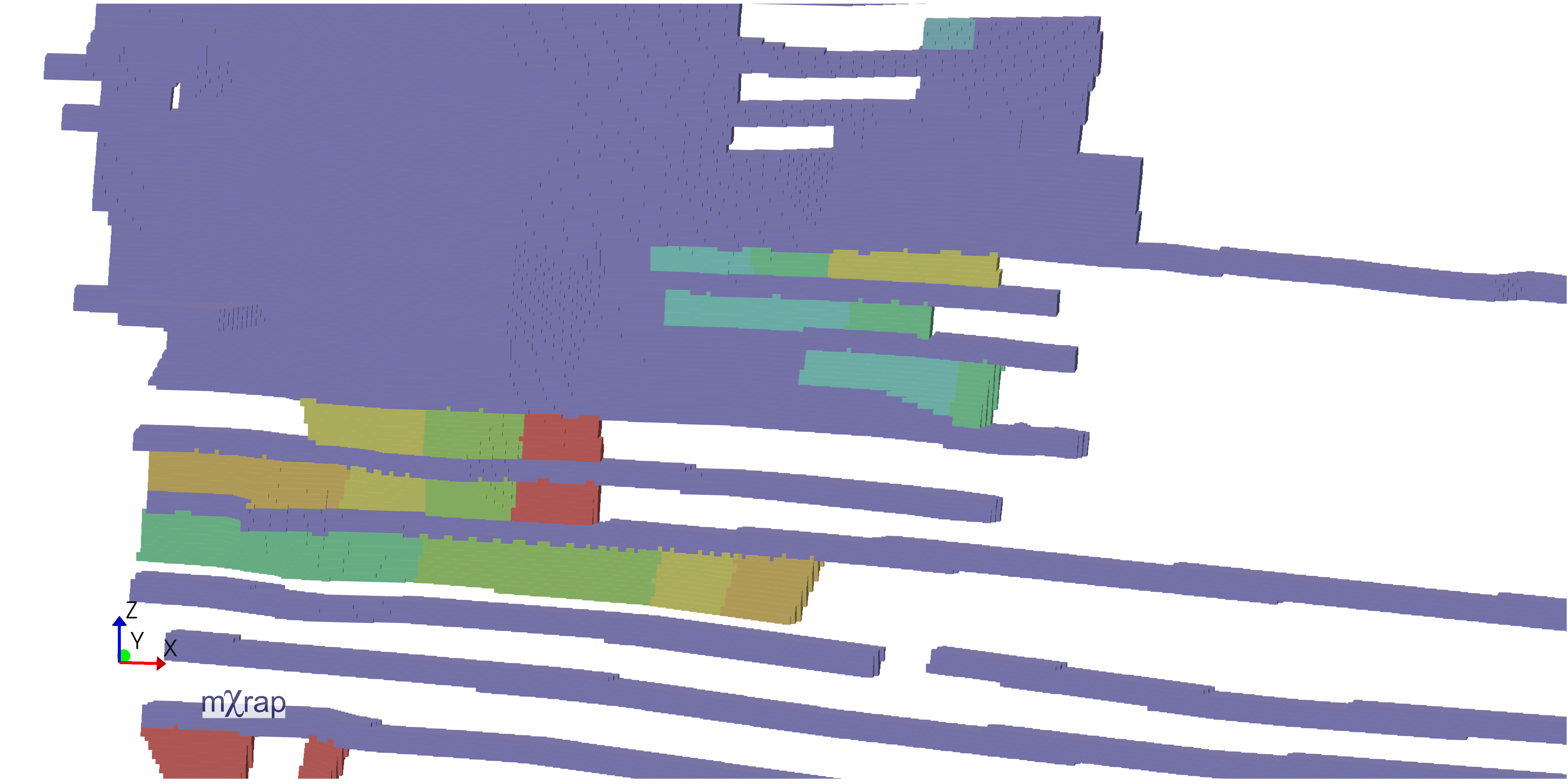
Best practice
- Generate separate models for different resolutions
- Select only the steps needed for your specific analysis
- Monitor processing progress for large models
- Verify model results in the viewing window before exporting
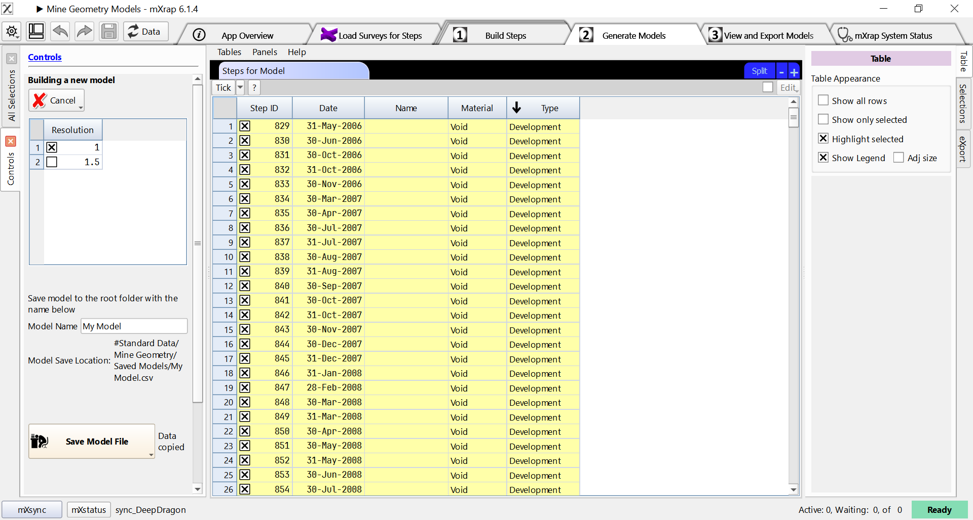
First, go into the Generate Models Window and click on the Create a New Model button.


Step 1 - Resolution Grouping
- You can only build models using steps of the same resolution.
- The app displays all available resolutions based on your saved steps.
- Select a resolution to view all steps created at that resolution.
Best practice
- Build separate models for different resolutions
Step 2 - Chronological Processing
The model builder processes steps in ascending date order:
- Processes the earliest step first
- Adds subsequent steps chronologically
- Determines what volumes need to be added or merged
- Continues until all selected steps are processed
Best practice
- Select only the steps needed for your specific analysis
- Monitor processing progress for large models
nota
The blue line indicates the currently processing step, while green lines show already processed steps.
Video
The video shows how to build a model, as well as the next step (view and save).
Build models from the previously built steps. The model building process occurs by ordering dates to work out the merging and construction process.