4- View and Save Model
When naming and saving (storing) a model:
- Provide a descriptive name (e.g., "All Mine 2m")
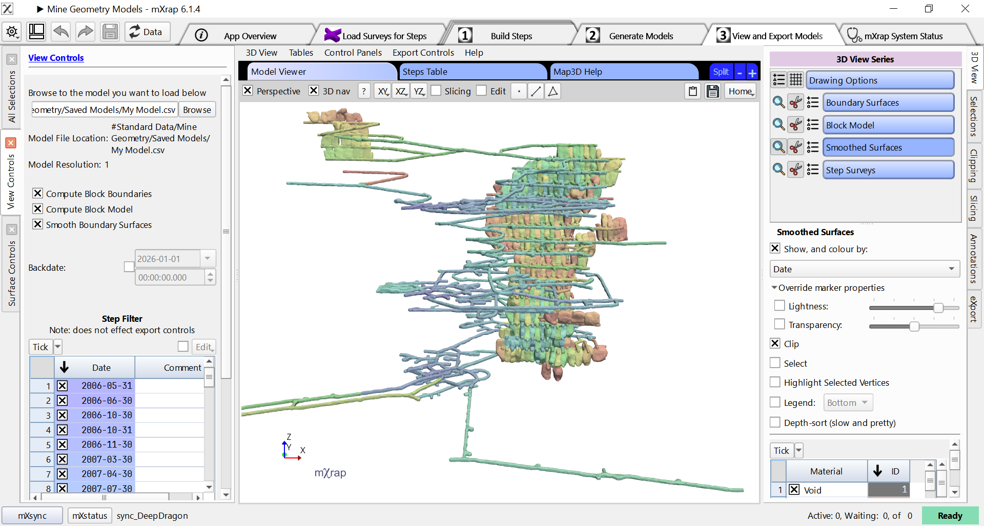
- The app shows the save location:
ROOT/#Standard Data/Mine Geometry Model
- Processing time depends on the number of steps and their size
- The app automatically switches to the viewing window when complete
peligro
Troubleshooting
Problem: Model results don't match expectations
- Verify step dates are correct and in proper chronological order
- Check that Type and Material attributes are set correctly
- Review intersection handling for steps with different attributes
- Ensure all steps use the same resolution
Problem: Steps are missing from the model
- Confirm steps are selected (ticked) in the step list
- Verify the resolution matches the model being built
- Check that step dates fall within the expected range