Manually Generate Step
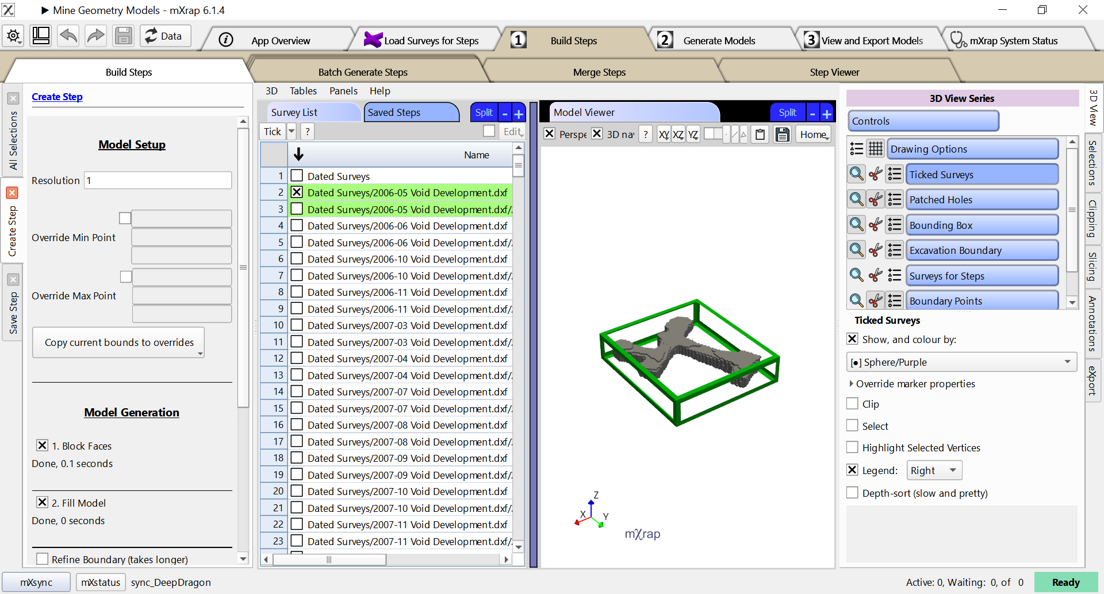
To manually build a single step, the Build Steps window in the Build Steps tab is used.
-
Tick the survey that you want to use for this step.
-
Adjust the resolution in the “Create Step” panel.
tip
Remember that the resolution must be consistent across all steps in a model.
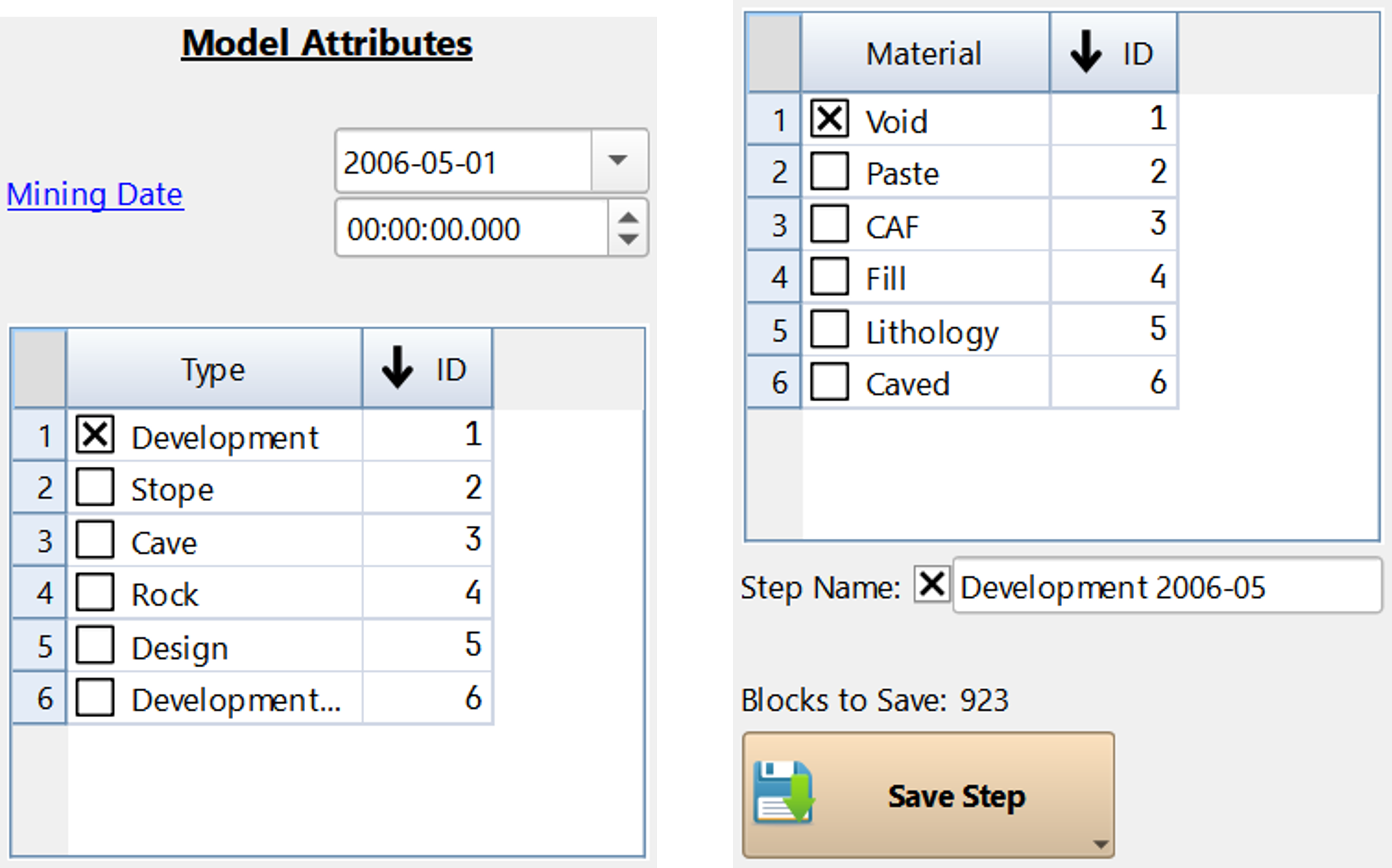
- In the “Save Step” panel you can set the date, type, and material.
Best practice
You can also set a step name, to help remember what the step represents
- When everything is correct, press the “Save Step” button.